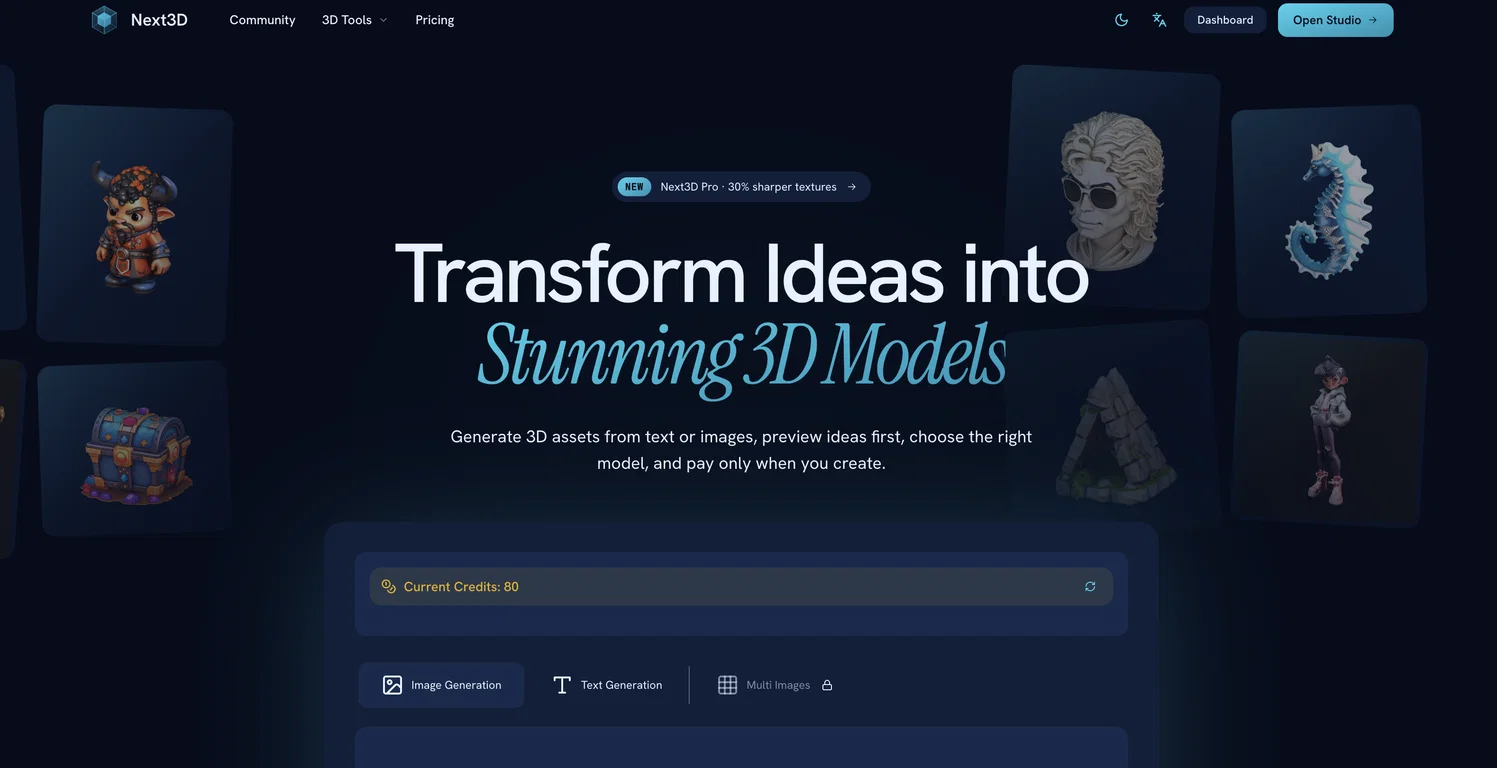
Next3D : Transform ideas into stunning 3D models
Next3D is an AI-powered online platform that creates professional 3D models from images or text prompts. The tool supports a variety of image formats such as JPG, PNG, and WEBP.
In three simple steps, users can generate and download high-quality 3D models with appropriate geometry and textures for various applications like games or apps.
These models are generated in GLB format with textures, though they can be converted to other formats such as FBX, OBJ, PLY, or STL based on user preference.
Apart from its modeling features, Next3D also includes an online 3D file viewer and a broad array of supported formats. The platform is browser-based and allows users to preview their creations before downloading.
Next3D offers diverse 3D AI models, providing users the flexibility to choose the best model for each asset instead of being locked into one generation style.
The tool also enables an image-to-3D conversion feature, allowing users to upload a reference image and transform it into a functional 3D asset. Importantly, the platform operates on a pay-as-you-go model, enabling users to pay only when a 3D model is created.
Hence, no prior subscription is required before initiating the creation process. Next3D is recognized for its comparative advantages over traditional 3D software, which include instant model generation, cost-effectiveness, and minimal hardware requirements.